• EN
  • NL
Support
  • Branches
    Manufacturing
    Technology
    Food & Retail
    Automotive
    Logistics
    Schedule a meeting
    Start your scan now
    WhatsApp with us
    +31 85 130 49 35
    info@welisa.com
  • Expertise
    Our services
    Audits & Scans
    Consultancy & Architecture
    Implementation & Rollout
    Development & Integration
    Managed Services & Administration
    Our specializations
    Customer Processes & Engagement
    Integrations & Connectivity
    Data & AI
    Portals & Platforms
    Schedule a meeting
    Start your scan now
    WhatsApp with us
    +31 85 130 49 35
    info@welisa.com
  • Challenges
    I want to…
    Digitize my organization
    Get started with Salesforce
    Gain insight into my current setup
    Get more out of my current team & Salesforce
    Connect my systems and ERP
    Build portals for dealers & customers
    Scale with Data & AI
    Have Salesforce managed for me
    Schedule a meeting
    Start your scan now
    WhatsApp with us
    +31 85 130 49 35
    info@welisa.com
  • About Welisa
    Customer Stories
    Knowledge center
    How we work
    About Us
    Jobs
    Schedule a meeting
    Start your scan now
    WhatsApp with us
    +31 85 130 49 35
    info@welisa.com
  • Contact
Schedule a meeting
Branches
Manufacturing
Technology
Food & retail
Automotive
Logistics
Expertise

Our services

Audits & Scans
Consultancy & Architecture
Implementation & Rollout
Development & Integration
Managed Services & Administration

Our specializations

Customer Processes & Engagement
Integrations & Connectivity
Data & AI
Portals & Platforms
Challenges

I want to…

Mijn organisatie digitaliseren
Digitize my organization
Get started with Salesforce
Gain insight into my current setup
Get more out of my current team & Salesforce
Connect my systems & ERP
Build portals for dealers & customers
Scale with Data & AI
Have Salesforce managed for me
About Welisa
Customer Stories
Knowledge center
How we work
About Us
Jobs
Contact
Schedule a meeting
Start your scan now
WhatsApp with us
+31 85 130 49 35
info@welisa.com
BLOG

Salesforce Spring ’26 highlights: selected by our experts

The Salesforce Spring ’26 release notes cover hundreds of pages. A goldmine for those who love details, but for many of our customers, it is mostly just: a lot. It is impossible to read everything, and frankly, not everything is relevant to every organization.

Still, you don’t want to miss the gems.

That is why we did the legwork for you. We asked our team of consultants, developers, and marketers: “Which updates will actually make our clients’ work more efficient?”

This is our selection by field. From safer management for admins to interactive AI campaigns for marketers.

1. For admins: security and control

Related to: Admin Efficiency & Security

Admins are the guardians of the fort. Spring ’26 gives them better tools to keep that fort secure and organized.

Our consultants are set to implement these three updates the moment they are released:

  • Salesforce My Trust Center (Beta):
    Say goodbye to the generic trust.salesforce.com. The new My Trust Center gives you a personalized dashboard. You can instantly see the status of your specific environment, including upcoming maintenance and incident history, without having to filter.

Our take: This makes proactive management easier. You spot problems or maintenance before your users start calling.

Het nieuwe My Trust Center dashboard met gepersonaliseerde status

The new My Trust Center dashboard with personalized status

  • No more confusion when sharing reports: 
    Do you have two users named “John Smith”? It used to be a guessing game who you were selecting when sharing folders. Now, Salesforce displays the unique username alongside the name. Additionally, you can now add Custom Disclaimers to exported reports.

Our take: Crucial for compliance in the manufacturing industry, where sensitive product or pricing data cannot simply end up on the street.

Unieke gebruikersnamen bij delen en custom disclaimers

Unique usernames when sharing and custom disclaimers

  • Granular permissions (Files):
    Small but mighty: the permission to delete files (“Delete Salesforce Files”) has been decoupled from general permissions.

Our take: This prevents someone with broad permissions from accidentally deleting crucial contracts or manuals.

Salesforce lay out, toestemming voor het verwijderen van 'Salesforce files'

The new standalone permission for deleting files

2. For sales: strategy instead of administration

Related to: Sales Cloud

For commercial managers in complex sectors (such as manufacturing and automotive), this release is all about control. Control over your territory, your account plans, and your communication.

  • Account planning across the entire hierarchy: 
    Many of our clients work with complex dealer groups or holdings. The update in Account Plans now allows you to link objectives to records of any account in the hierarchy, not just the directly linked account.

Business impact: You finally get a realistic view of your performance with major clients that have multiple locations.

Doelstellingen koppelen over de hele accounthiërarchie heen

Linking objectives across the entire account hierarchy

  • Einstein Activity Capture (EAC) becomes transparent:
    For a long time, EAC was a ‘black box’. In Spring ’26, you finally gain insight. You can now report on the content and tone of emails (Insights) via Custom Report Types. Additionally, there is an improved screen for admins to detect synchronization issues.

Business impact: Sales managers can now steer based on the quality of client communication, not just the quantity.

Nieuwe inzichten in e-mailinhoud en synchronisatiestatus

Nieuwe inzichten in e-mailinhoud en synchronisatiestatus

New insights into email content and synchronization status

  • Sales planning & territory management:
    Reality doesn’t always stick to strict lines. With the updates in Sales Planning, you can now work with overlapping boundaries in territories and distribute financial targets directly across accounts using smart allocation formulas.

Business impact: Flexibility. Your system adapts to your sales organization, instead of the other way around.

Overlappende territoria beheren in Sales Planning

Managing overlapping territories in Sales Planning

3. For the builders: better UX without code

Related to: Salesforce Flow

Flows are the engine of your business processes. Are you looking to build a slick dealer portal that perfectly reflects your corporate identity? You no longer need developers to make this happen. In Spring ’26, this changes.

  • Styling under your own control:
    You can now adjust the layout of your screens directly in the Flow Builder. Think background colors, borders, and fonts, even per individual field.

Business impact: You can now make customer portals match your corporate identity pixel-perfectly, without a single line of code.

Styling opties voor het scherm

Styling options for the screen

Styling opties per component

Styling options per component

  • Visual work with Kanban in Flows: 
    New is the ability to display a Kanban Board directly in a flow screen.

Use case: Let a service manager drag tickets from ‘New’ to ‘In Progress’ at a glance, directly within a guided process.

Kanban bord direct in een Screen Flow

Kanban board directly in a Screen Flow

  • Sneak peek: Editable Data Tables:
    Our consultants keep a close eye on the roadmap. A feature we are really looking forward to—and which was already visible in the preview—is the ability to edit rows directly in a data table. Although this will likely only become final after Spring ’26, it shows great promise for bulk mutations in the future.

Sneak peek: Editable Data Tables in Salesforce

Sneak peek of editable data tables

4. For service: the full history at a glance

Related to: Service Cloud

A machine malfunction is rarely resolved in a single phone call. For service agents, it is often a time-consuming puzzle to find out what was discussed last week.

  • Case timeline: 
    Salesforce introduces a visual timeline for cases. Instead of clicking through tabs, the agent now sees all interactions, status changes, and emails in one chronological overview.

Our take: This is worth its weight in gold for complex tickets. A new agent sees the entire history within 10 seconds. (Note: available for orgs with Industries Service Excellence).

De nieuwe visuele Case Timeline

The new visual Case Timeline

5. For marketing: from briefing to campaign with AI

Related to: Marketing Cloud & Agentforce

Finally, a major step for marketing teams. Agentforce is becoming not just an assistant for service, but also a partner for campaigns.

  • Agentforce campaign experience: 
    Marketers can now draft their campaign briefing together with Agentforce via a chat interface. You can even upload PDFs or strategic documents (“grounding”) to ensure the AI uses the correct brand tone and objectives. (Grounding: You force the AI to use your specific business data and rules as a source, rather than the general internet. This prevents vague text and provides output that hits the mark immediately.) Additionally, Spring ’26 supports two-way conversational campaigns: customers can reply to SMS or email, after which the AI continues the conversation and feeds data directly back to Salesforce.

Our take: This bridges the gap between strategy (the briefing) and execution. Campaigns become interactive conversations instead of one-way traffic.

Samenwerken met Agentforce aan een marketing campagne

Samenwerken met Agentforce aan een campagne

Webinar: Salesforce & MuleSoft update (30 min)

On Thursday, February 26, Sanne Obbink will bring you up to speed in a 30-minute session. We won’t just cover the Salesforce Spring ’26 highlights; we’ll also include the key takeaways from the MuleSoft LTS release.

During this webinar:

  • ✅ Highlights: The cream of the crop from both releases.
  • ✅ In action: We’ll demonstrate the key features and show how they translate to practice.
  • ✅ Q&A: There will be time for all your questions.

Want to join us?

👉 Register here for free

In this blog

  • 1. For admins: security and control
  • 2. For sales: strategy instead of administration
  • 3. For the builders: better UX without code
  • 4. For service: the full history at a glance
  • 5. For marketing: from briefing to campaign with AI
  • Webinar: Salesforce & MuleSoft update (30 min)

Sanne Obbink

Salesforce Consultant

Ander interessant nieuws

Related interesting news

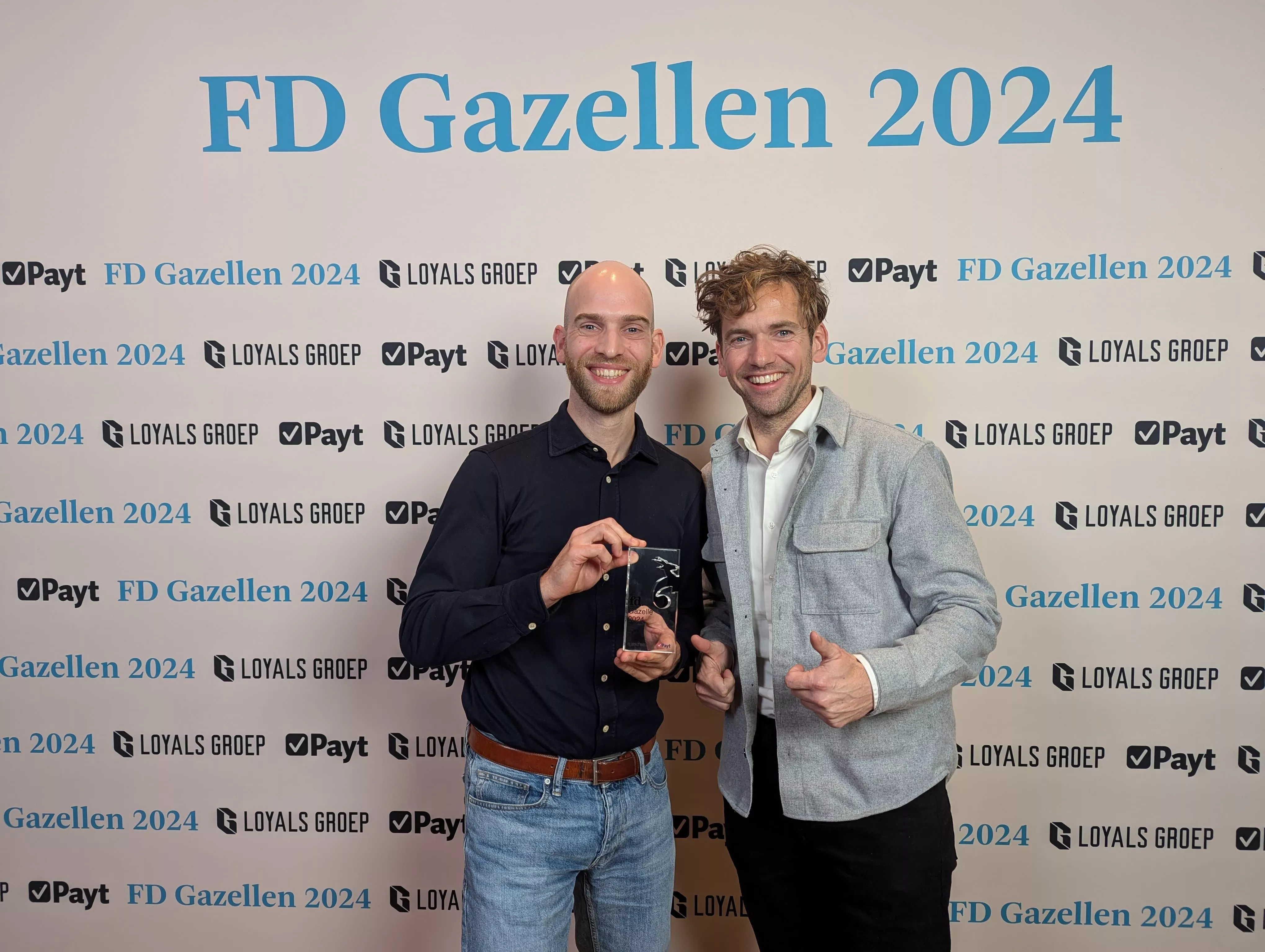
An FD Gazelle five years running: proof of healthy growth

Twee Salesforce consultants bij de uitreiking van de FD Gazellen in 2024.

MuleSoft LTS: from technical update to the nervous system of your AI strategy

Logo van MuleSoft op een donkerblauwe achtergrond.

Important Update: New Usage Policies for Salesforce Connected Apps

Cyber security: digitaal slot

Contact Information

Citadel 28-3
3905 NK Veenendaal

+31 85 130 49 35
info@welisa.com

KVK 74430513

BTW NL859895361B01

Our services

Audits & Scans
Consultancy & Architecture
Implementation & Rollout
Development & Integration
Managed Services & Administration

Our specializations

Customer Processes & Engagement
Integrations & Connectivity
Data & AI
Portals & Platforms

Branches

Manufacturing
Technology
Food & Retail
Automotive
Logistics

About Welisa

Customer Stories
News and Blogs
Jobs
About Us
Contact
Important Update: New Usage Policies for Salesforce Connected Apps MuleSoft LTS: from technical update to the nervous system of your AI strate...
Scroll to top

30 juni bij Voortman

Van de werkvloer tot de klant. Zie live hoe een modern maakbedrijf werkt.

Reserveer je plek
30 juni bij Voortman