• EN
  • NL
Support
  • Branches
    Manufacturing
    Technology
    Food & Retail
    Automotive
    Logistics
    Schedule a meeting
    Start your scan now
    WhatsApp with us
    +31 85 130 49 35
    info@welisa.com
  • Expertise
    Our services
    Audits & Scans
    Consultancy & Architecture
    Implementation & Rollout
    Development & Integration
    Managed Services & Administration
    Our specializations
    Customer Processes & Engagement
    Integrations & Connectivity
    Data & AI
    Portals & Platforms
    Schedule a meeting
    Start your scan now
    WhatsApp with us
    +31 85 130 49 35
    info@welisa.com
  • Challenges
    I want to…
    Digitize my organization
    Get started with Salesforce
    Gain insight into my current setup
    Get more out of my current team & Salesforce
    Connect my systems and ERP
    Build portals for dealers & customers
    Scale with Data & AI
    Have Salesforce managed for me
    Schedule a meeting
    Start your scan now
    WhatsApp with us
    +31 85 130 49 35
    info@welisa.com
  • About Welisa
    Customer Stories
    Knowledge center
    How we work
    About Us
    Jobs
    Schedule a meeting
    Start your scan now
    WhatsApp with us
    +31 85 130 49 35
    info@welisa.com
  • Contact
Schedule a meeting
Branches
Manufacturing
Technology
Food & retail
Automotive
Logistics
Expertise

Our services

Audits & Scans
Consultancy & Architecture
Implementation & Rollout
Development & Integration
Managed Services & Administration

Our specializations

Customer Processes & Engagement
Integrations & Connectivity
Data & AI
Portals & Platforms
Challenges

I want to…

Mijn organisatie digitaliseren
Digitize my organization
Get started with Salesforce
Gain insight into my current setup
Get more out of my current team & Salesforce
Connect my systems & ERP
Build portals for dealers & customers
Scale with Data & AI
Have Salesforce managed for me
About Welisa
Customer Stories
Knowledge center
How we work
About Us
Jobs
Contact
Schedule a meeting
Start your scan now
WhatsApp with us
+31 85 130 49 35
info@welisa.com
BLOG

Important Update: New Usage Policies for Salesforce Connected Apps

What's Happening?

Attackers are using social engineering to gain access to data. Unfortunately, we’re seeing more and more successful attempts in the news lately, primarily at large companies including KLM, Google, and Microsoft. Although these cases are always the result of human error, Salesforce is taking action to further reduce the chances of success for attackers.

A detailed overview of these and other incidents can be found in Salesforce Ben’s ‘Data Theft Roundup’ article.

How Does This Form of Social Engineering Work?

In practice, attackers call or email people asking them to go to a legitimate page and enter a code. This allows them to connect their own malicious app to the legitimate Salesforce network. People are generally helpful and don’t always recognize the danger. Unfortunately, attackers are often successful with this method.

What Data Do Attackers Gain Access To?

A “Connected App” is a program that, once granted permission, can act on behalf of the user.

As soon as the attacker’s malicious app is connected, it receives the exact same permissions as the employee who (unwittingly) approved it.

  • If a sales employee approves the app, it can view and export all of that employee’s accounts, contacts, and opportunities.
  • If an administrator approves the app, it has the “keys to the kingdom.” The app can then do anything on behalf of the admin: download all data from the entire organization, create users, modify permissions, etc.

Through a successful hack, enormous files of customer data from the Salesforce environment can fall into the wrong hands. This data can then be used for subsequent hacks or attempts.

Curious to see if your organization has been the victim of a hack? Find out in our step-by-step guide.

What Should You Do Now?

To mitigate risks and prepare for this security enhancement from Salesforce, it’s essential to audit your ‘Connected Apps’ now. The urgency is high because starting in early September 2025, Salesforce will tighten security by restricting the use of uninstalled apps.

To ensure your users can continue their work without interruption, we recommend the following steps:

Step 1: Inventory Your Current Apps 

Go to ‘Connected Apps OAuth Usage’ in Salesforce Setup. Check which apps have an ‘uninstalled’ status (they will have an ‘Install’ button) and determine for each app whether it is trusted and necessary.

Step 2: Install Trusted Apps 

Click the ‘Install’ button for each app you want to keep. This is the most critical step to prevent users from losing access.

Step 3: Manage Access (Post-Installation) 

After an app is installed, you can use ‘Manage Connected Apps’ to define exactly who can use it (e.g., via profiles or permission sets). The most secure option is ‘Admin approved users are pre-authorized’.

Step 4: Block Untrusted Apps 

For any app you don’t recognize or trust, click ‘Block’. This immediately terminates its access.

Step 5: Communicate With Your Users 

Inform your users about this change. Let them know they should contact you if an app unexpectedly stops working after the change is implemented.

By taking these steps now, you’ll ensure a smooth transition and strengthen the security of your Salesforce environment.

Help and Detailed Instructions

  • Practical Guide: Tom Bassett wrote an excellent step-by-step article for Salesforce Ben on how to perform this audit: A Salesforce Admin’s Guide to Auditing Connected Apps.
  • Official Documentation: Detailed instructions and the official announcement from Salesforce can be found here.

Do you have questions after reading this article, or would you like us to review the ‘Connected Apps’ in your environment with you? We’re happy to help. Contact us via support or call us at +31 85 130 49 35.

In this blog

  • What's Happening?
  • How Does This Form of Social Engineering Work?
  • What Data Do Attackers Gain Access To?
  • What Should You Do Now?
  • Help and Detailed Instructions

Lindsey Roumimper

Salesforce Consultant

Ander interessant nieuws

Related interesting news

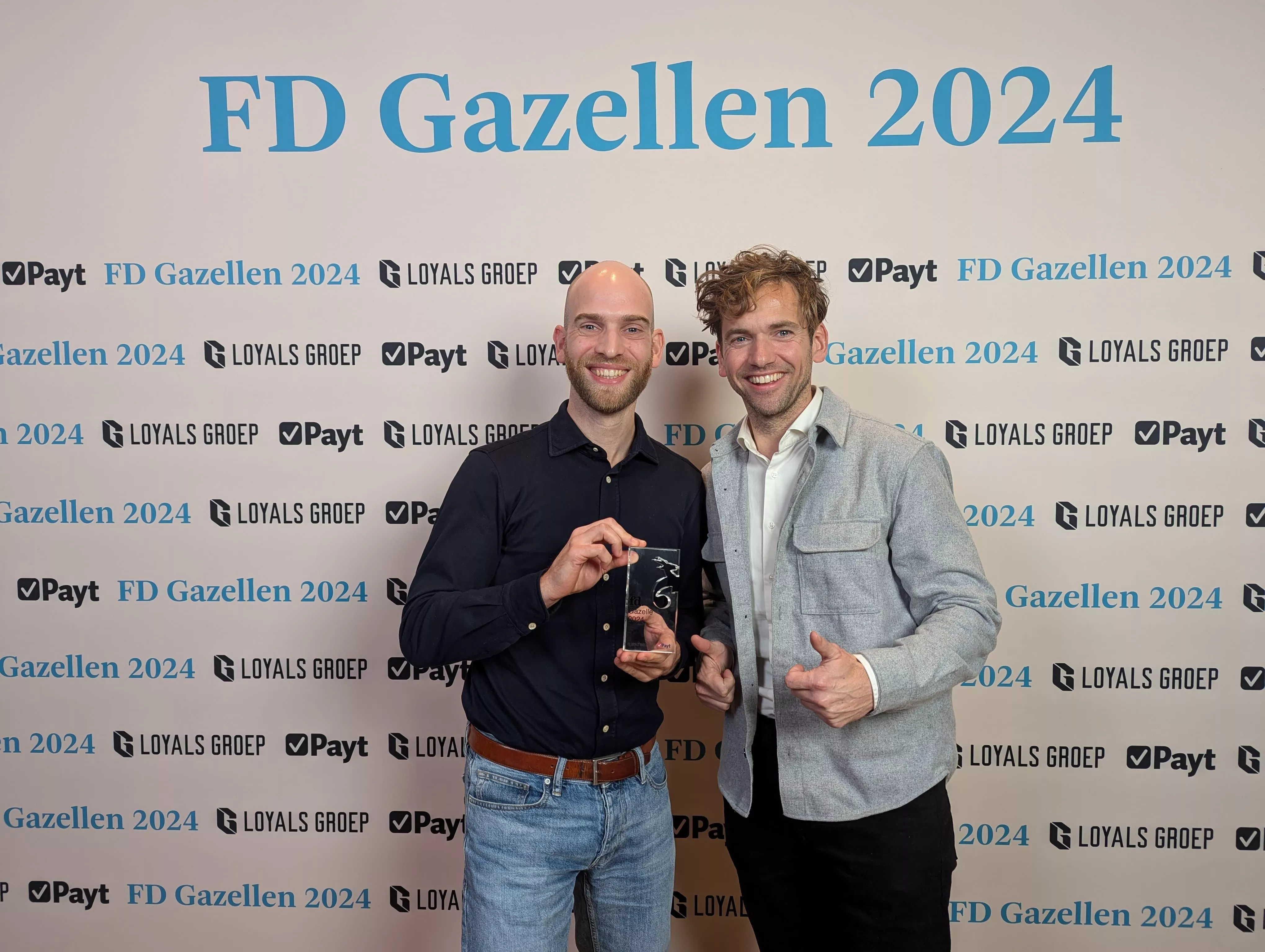
An FD Gazelle five years running: proof of healthy growth

Twee Salesforce consultants bij de uitreiking van de FD Gazellen in 2024.

MuleSoft LTS: from technical update to the nervous system of your AI strategy

Logo van MuleSoft op een donkerblauwe achtergrond.

Salesforce Spring ’26 highlights: selected by our experts

Sanne met naast haar te tekst 'Spring'26 release' samen met het logo van Salesforce en Welisa
Portretfoto Riekus

We are here to help

Contact

Contact Information

Citadel 28-3
3905 NK Veenendaal

+31 85 130 49 35
info@welisa.com

KVK 74430513

BTW NL859895361B01

Our services

Audits & Scans
Consultancy & Architecture
Implementation & Rollout
Development & Integration
Managed Services & Administration

Our specializations

Customer Processes & Engagement
Integrations & Connectivity
Data & AI
Portals & Platforms

Branches

Manufacturing
Technology
Food & Retail
Automotive
Logistics

About Welisa

Customer Stories
News and Blogs
Jobs
About Us
Contact
How Do I Know If My Organization Has Been the Victim of a Hack? Salesforce Spring ’26 highlights: selected by our experts
Scroll to top

30 juni bij Voortman

Van de werkvloer tot de klant. Zie live hoe een modern maakbedrijf werkt.

Reserveer je plek
30 juni bij Voortman