• EN
  • NL
Support
  • Branches
    Manufacturing
    Technology
    Food & Retail
    Automotive
    Logistics
    Schedule a meeting
    Start your scan now
    WhatsApp with us
    +31 85 130 49 35
    info@welisa.com
  • Expertise
    Our services
    Audits & Scans
    Consultancy & Architecture
    Implementation & Rollout
    Development & Integration
    Managed Services & Administration
    Our specializations
    Customer Processes & Engagement
    Integrations & Connectivity
    Data & AI
    Portals & Platforms
    Schedule a meeting
    Start your scan now
    WhatsApp with us
    +31 85 130 49 35
    info@welisa.com
  • Challenges
    I want to…
    Digitize my organization
    Get started with Salesforce
    Gain insight into my current setup
    Get more out of my current team & Salesforce
    Connect my systems and ERP
    Build portals for dealers & customers
    Scale with Data & AI
    Have Salesforce managed for me
    Schedule a meeting
    Start your scan now
    WhatsApp with us
    +31 85 130 49 35
    info@welisa.com
  • About Welisa
    Customer Stories
    Knowledge center
    How we work
    About Us
    Jobs
    Schedule a meeting
    Start your scan now
    WhatsApp with us
    +31 85 130 49 35
    info@welisa.com
  • Contact
Schedule a meeting
Branches
Manufacturing
Technology
Food & retail
Automotive
Logistics
Expertise

Our services

Audits & Scans
Consultancy & Architecture
Implementation & Rollout
Development & Integration
Managed Services & Administration

Our specializations

Customer Processes & Engagement
Integrations & Connectivity
Data & AI
Portals & Platforms
Challenges

I want to…

Mijn organisatie digitaliseren
Digitize my organization
Get started with Salesforce
Gain insight into my current setup
Get more out of my current team & Salesforce
Connect my systems & ERP
Build portals for dealers & customers
Scale with Data & AI
Have Salesforce managed for me
About Welisa
Customer Stories
Knowledge center
How we work
About Us
Jobs
Contact
Schedule a meeting
Start your scan now
WhatsApp with us
+31 85 130 49 35
info@welisa.com
BLOG

How Do I Know If My Organization Has Been the Victim of a Hack?

With the upcoming security update for ‘Connected Apps’, Salesforce is taking an important step to counter social engineering. In our main article, we explained which actions you need to take now to prepare for this.

Still, you might be wondering: “Have we already been vulnerable in the past?” In this guide, we’ll take away that uncertainty. Here, we’ll show you exactly how you can check if your organization has been the victim of a hack.

Here is a step-by-step plan, from the most direct to more general investigative methods:

1. Direct Check: Auditing 'Connected Apps' (Most Important)

This is the most direct way to investigate this specific vulnerability. An attacker leaves the clearest tracks here.

  • Go to: Setup > Connected Apps OAuth Usage.
  • What to look for:
    • Unknown or suspicious apps: Look for apps you don’t recognize, especially those with generic names like “Salesforce API Access,” “Data Loader V3,” or other tools not officially implemented by your organization. A malicious app will often masquerade as a legitimate tool.
    • Unexpected “User Count”: Click on the number of users (User Count) for each suspicious app. Is a user who normally doesn’t export data (e.g., a marketing employee) suddenly authorizing an unknown ‘data tool’? That’s a red flag.
    • Check the authorization date: When did the user first grant access to the app?
    • Block immediately: Any app you don’t 100% trust can be blocked instantly from this page (Block) to prevent further access.

2. Analysis of Login History

If an attacker gains access via an app, it is often logged as a normal login.

  • Go to: Setup > Login History.
  • What to look for:
    • Location and IP Address: Are there user logins from unusual countries or IP addresses?
    • Application: The Application column shows which app was used to log in. If one of the suspicious apps from step 1 is listed here, it is a strong indicator of misuse.
    • Time: Logins in the middle of the night or on weekends by users who typically only work during business hours.

3. Look for Traces of Large-Scale Data Export

This is a more advanced step that often requires extra tools, but it can reveal the impact of an attack.

  • Tool: If your organization has Salesforce Shield, use Event Monitoring.
  • What to look for:
    • ‘Report Export’ Events: Look for a spike in the number of exported reports. An attacker will often try to download a large amount of data in a short time via reports.
    • ‘API Events’: An unusually high number of API requests from a single user or app, indicating a systematic data download.
    • Without Shield: Manually check the Last Run Date of important reports containing sensitive customer data. Has a report been run recently by an unexpected user?

We're Here to Help

The goal of this step-by-step plan is to give you an overview and, above all, certainty. As you can see, an effective audit always starts with the Connected Apps OAuth Usage page. From there, you use the login history and other tools to get a complete picture.

Whether you have confirmed that everything is in order, or you’ve encountered something unexpected, the most important recommendation is to make this check a routine, for example, on a semi-annual basis. This way, security becomes a regular part of your management, rather than a reaction to an incident.

Are you still left with questions after this check, or did you see something you’re unsure about? Don’t hesitate to get in touch. We are happy to review the situation with you, without obligation, and help you further.

You can reach us via support or by calling +31 85 130 49 35.

In this blog

  • 1. Direct Check: Auditing 'Connected Apps' (Most Important)
  • 2. Analysis of Login History
  • 3. Look for Traces of Large-Scale Data Export
  • We're Here to Help

Lindsey Roumimper

Salesforce Consultant

Ander interessant nieuws

Related interesting news

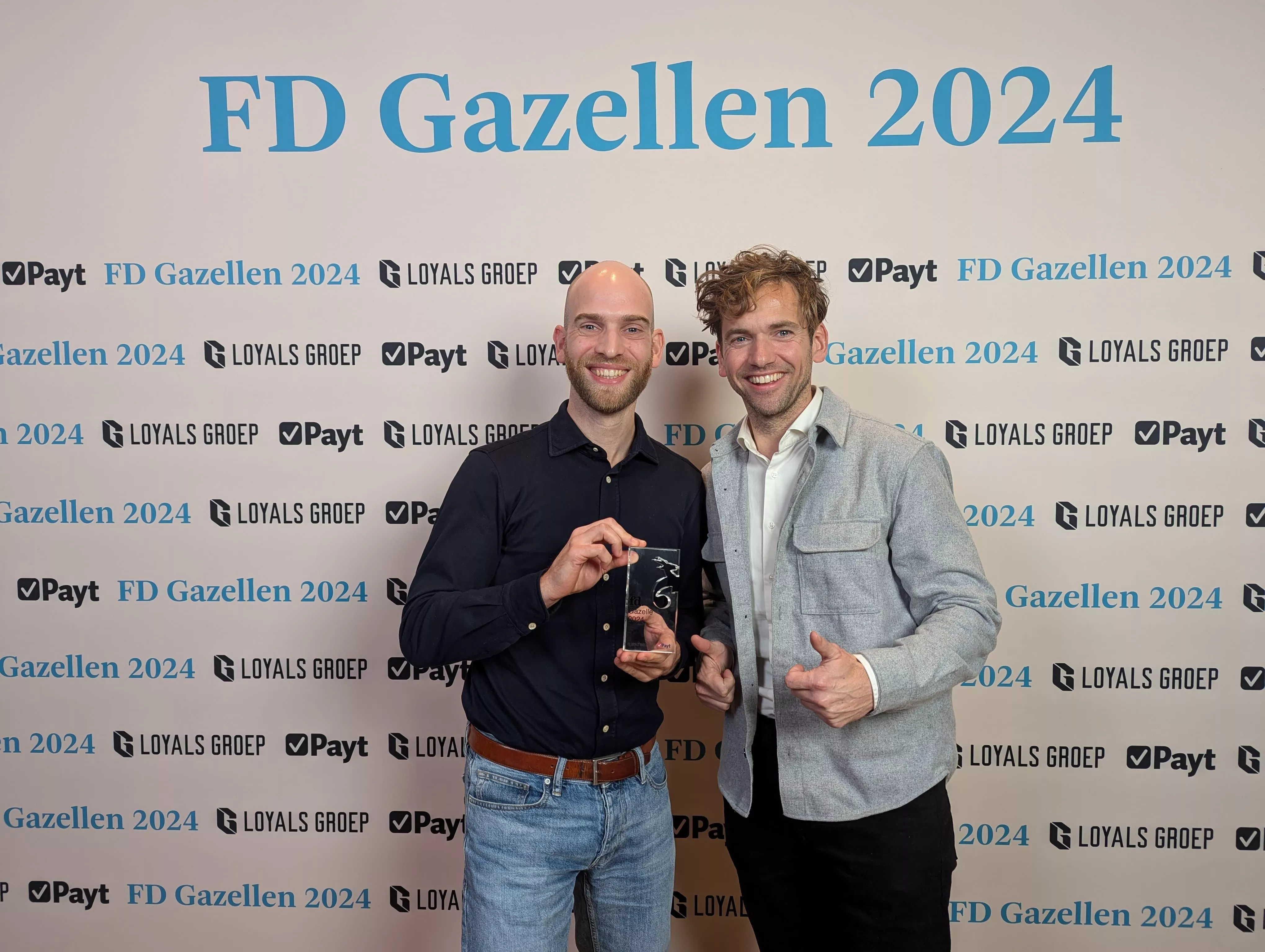
An FD Gazelle five years running: proof of healthy growth

Twee Salesforce consultants bij de uitreiking van de FD Gazellen in 2024.

MuleSoft LTS: from technical update to the nervous system of your AI strategy

Logo van MuleSoft op een donkerblauwe achtergrond.

Salesforce Spring ’26 highlights: selected by our experts

Sanne met naast haar te tekst 'Spring'26 release' samen met het logo van Salesforce en Welisa
Portretfoto Riekus
Contact

Contact Information

Citadel 28-3
3905 NK Veenendaal

+31 85 130 49 35
info@welisa.com

KVK 74430513

BTW NL859895361B01

Our services

Audits & Scans
Consultancy & Architecture
Implementation & Rollout
Development & Integration
Managed Services & Administration

Our specializations

Customer Processes & Engagement
Integrations & Connectivity
Data & AI
Portals & Platforms

Branches

Manufacturing
Technology
Food & Retail
Automotive
Logistics

About Welisa

Customer Stories
News and Blogs
Jobs
About Us
Contact
Our 7 Steps to Success Important Update: New Usage Policies for Salesforce Connected Apps
Scroll to top

30 juni bij Voortman

Van de werkvloer tot de klant. Zie live hoe een modern maakbedrijf werkt.

Reserveer je plek
30 juni bij Voortman